Kling Motion
Bring a still photo to life.
 WallAura
AI Studio
WallAura
AI Studio
Type a prompt or drop in your character, pick a frontier model, and get vertical clips ready to post on TikTok, Reels, and Shorts in minutes.
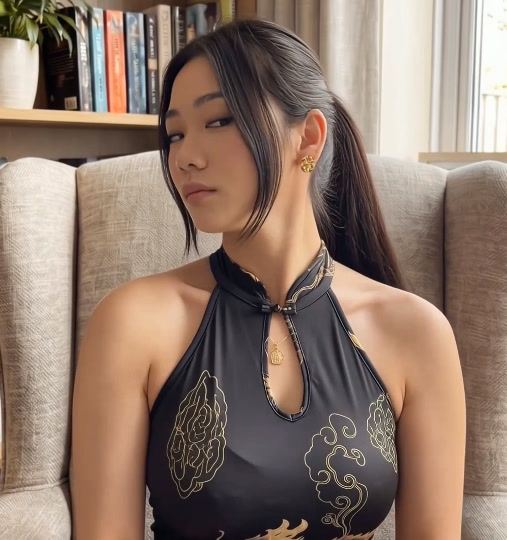
Bring a still photo to life.
Cinematic camera moves, with audio.
Fast, punchy clips for short-form hooks.
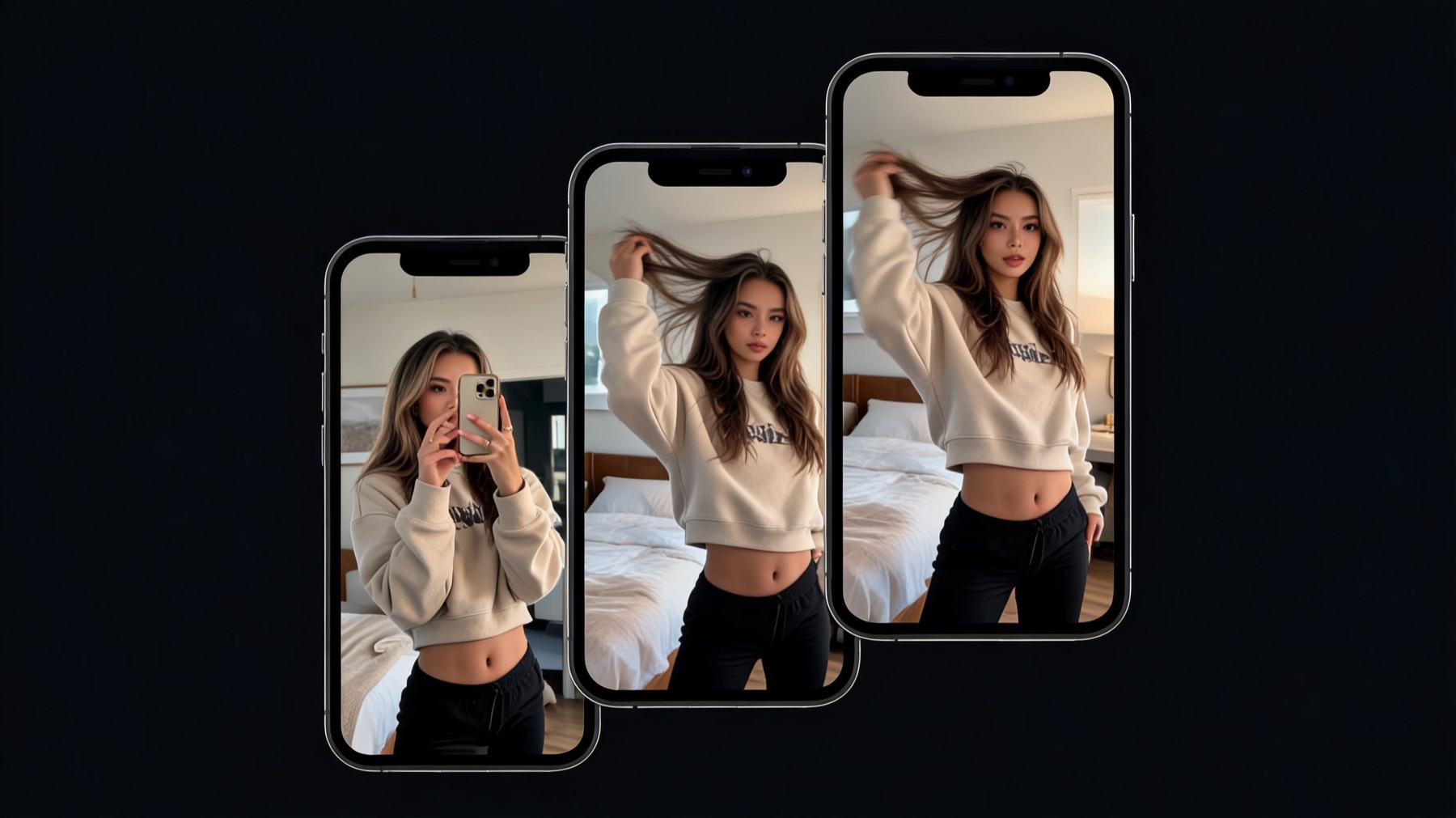 Seedream
Cinematic stills and source art up to 4K.
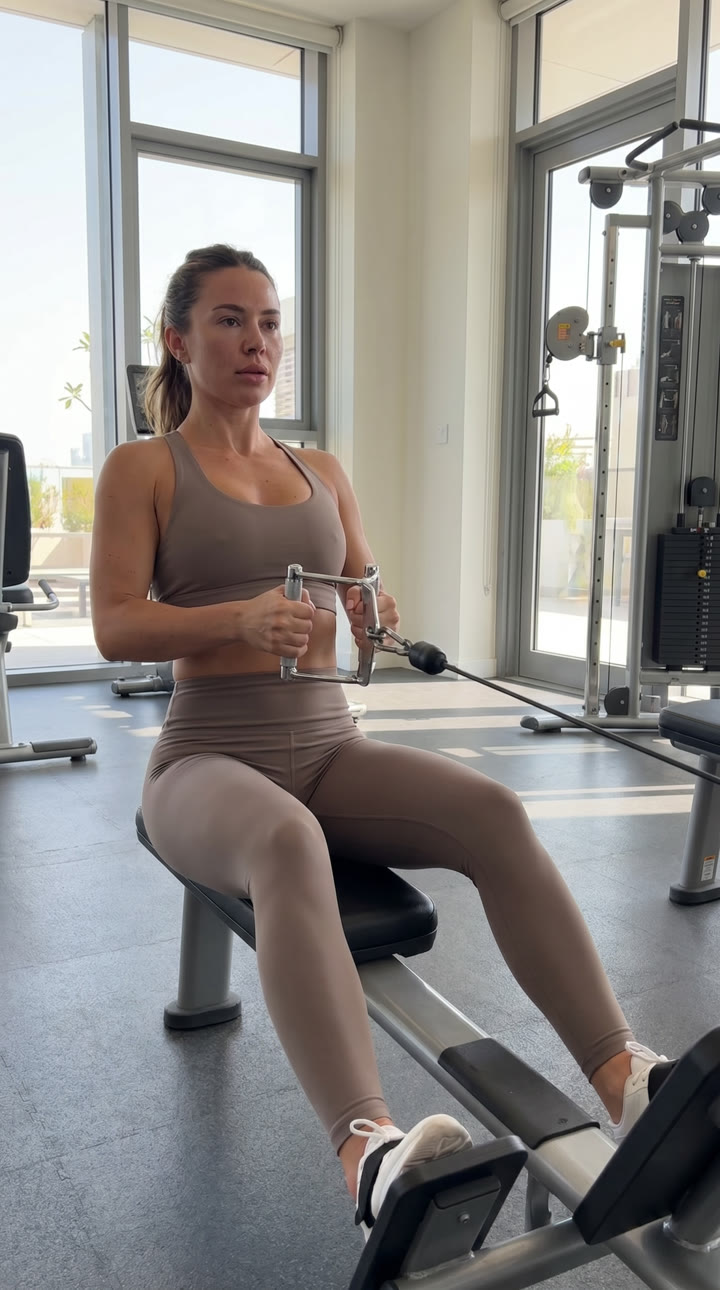 Nano Banana
Photoreal sources, products, and covers.
Full scenes straight from a text prompt.
Your motion clips, character images, and finished posts live in one library, ready to reuse any time.
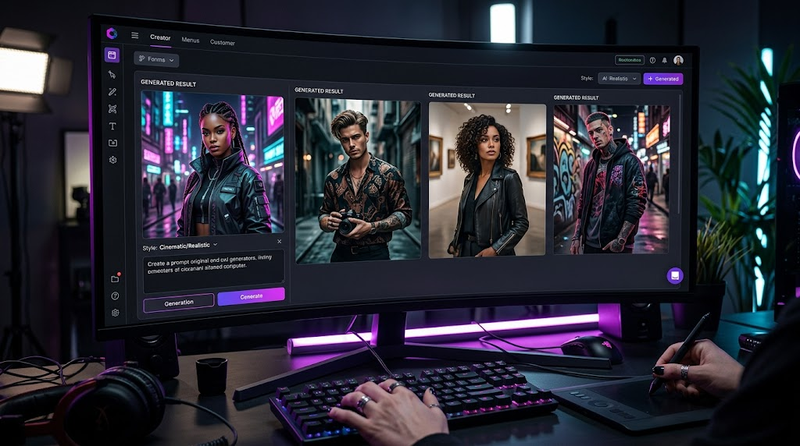
Images from $0.09 · clips from $0.49 · the lowest cost per render on the market.
Starter for source images, first clips, and saved projects.
For weekly posting: hooks, retries, and premium model routes.
For batches, 4K quality modes, and campaign pushes.
Plain answers on inputs, credits, access, and what happens when a render fails.
A text prompt is enough for most models. For motion transfer, add a reference clip plus a character image; clean, well-lit subjects track best.
Credits depend on the model, clip length, quality mode, and extras like audio. You see the credit estimate before you confirm.
Purchased top-up credits stay attached to your account. Subscription credits refresh according to the plan you choose.
Failed provider jobs do not burn credits. The studio tracks reservations so failed or canceled jobs can return held credits.
Pick a plan, open the studio, and your first render is one click away.